

Frolick

Making education engaging and fun for everyone.

Platform

  • Games
  • Community
  • Contact
  • Blog

Resources

  • About
  • Pricing
  • Frolick MCP
  • Legal information

Follow Us

Language

English

© Frolick. All rights reserved.

Frolick
Pricing

Interface language

Choose the language that feels natural to you.
Login / Register
  1. Home
  2. Platform overview
  3. Games

Gamify your lessons easily

Play the most popular games on your lessons

Board, card games and other types of games your students already love.

Browse formats below

1 / 4

Step 1 of 4: Quiz

All games

Checkers

Four in a Row

Dobble

Tic Tac Toe

Flashcards

Quiz

Bingo

Memory Pairs

Match up

Scramble

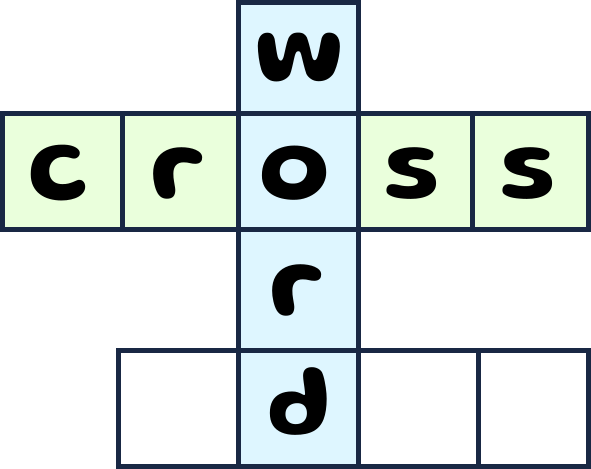
Crossword

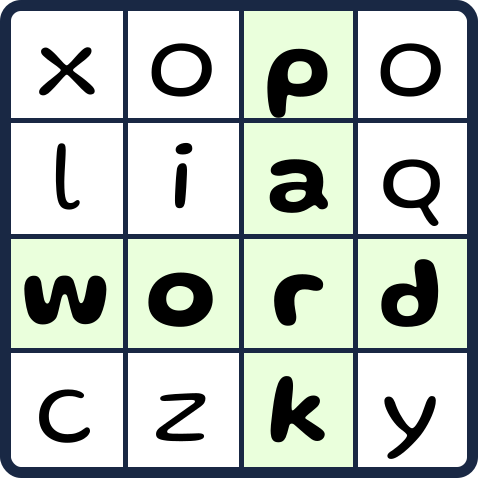
Word Search

Pick what you need on each stage of your lesson

Different games - different energy. Match the format to your students' needs.

Presenting something new

Lead in and check how your students can memorize the new material immediately.

Flashcards

Checking understanding

Project the question, students answer on devices — instant snapshot of class understanding.

Quiz

Controlled practice with peers

Add any exercises to the study sets and let students solve them together.

Checkers

Freer practice

Discussion questions, problems for solving - add anything.

Bingo

Beyond games

Sets, boards, and widgets on one platform

Games read from structured content sets. Plan full lessons on interactive boards with widgets, and embedded games.

  • Content sets feed every game format — create once, play all games
  • Interactive boards: paste from Miro, add any game or widget
  • Widgets are useful tools for class management and a comfortable flow of your lessons.
Content setsInteractive boardsWidget library

From the blog

Guides on choosing formats and running live sessions.

Seven Game Formats from One Content Set

Why rebuilding material for every activity wastes time — and how one Frolick set powers flashcards, quiz, board games, and more.

Read article

Flashcards vs Quiz: When to Use Each Format

Both run from the same set — but they serve different teaching goals. Here is how to choose.

Read article

How to Run a Classroom Quiz in 5 Minutes

A step-by-step guide to hosting a live quiz on Frolick — from picking a set to reviewing scores with your class.

Read article

Ready to launch your first game?

Create from your set in a few clicks or browse ready-made games.

Create a gameBuild a content setBrowse community

Explore more on Frolick

Content setsInteractive boardsWidget library

Games FAQ

Seven: flashcards, quiz, checkers, four in a row, Dobble, tic-tac-toe, and bingo. All seven run in the browser and share the same content set format.
No. You build one content set — word pairs, questions, or image cards — and reuse it across all 7 game formats without changes.
No. Students open games in the browser on any device; for live quiz they join with a room code. No accounts, installs, or sign-ups.
Frolick is available in five languages: English, Russian, German, Spanish, and Chinese.
Yes. Community templates and content sets are publicly browsable — copy any public template and adapt it for your class.